
設計の開始が早い. 接続設計モジュールを開くとすぐに, 接続を定義する条件を尋ねるポップアップが表示されます, その下のカードは一致する接続に絞り込まれます.
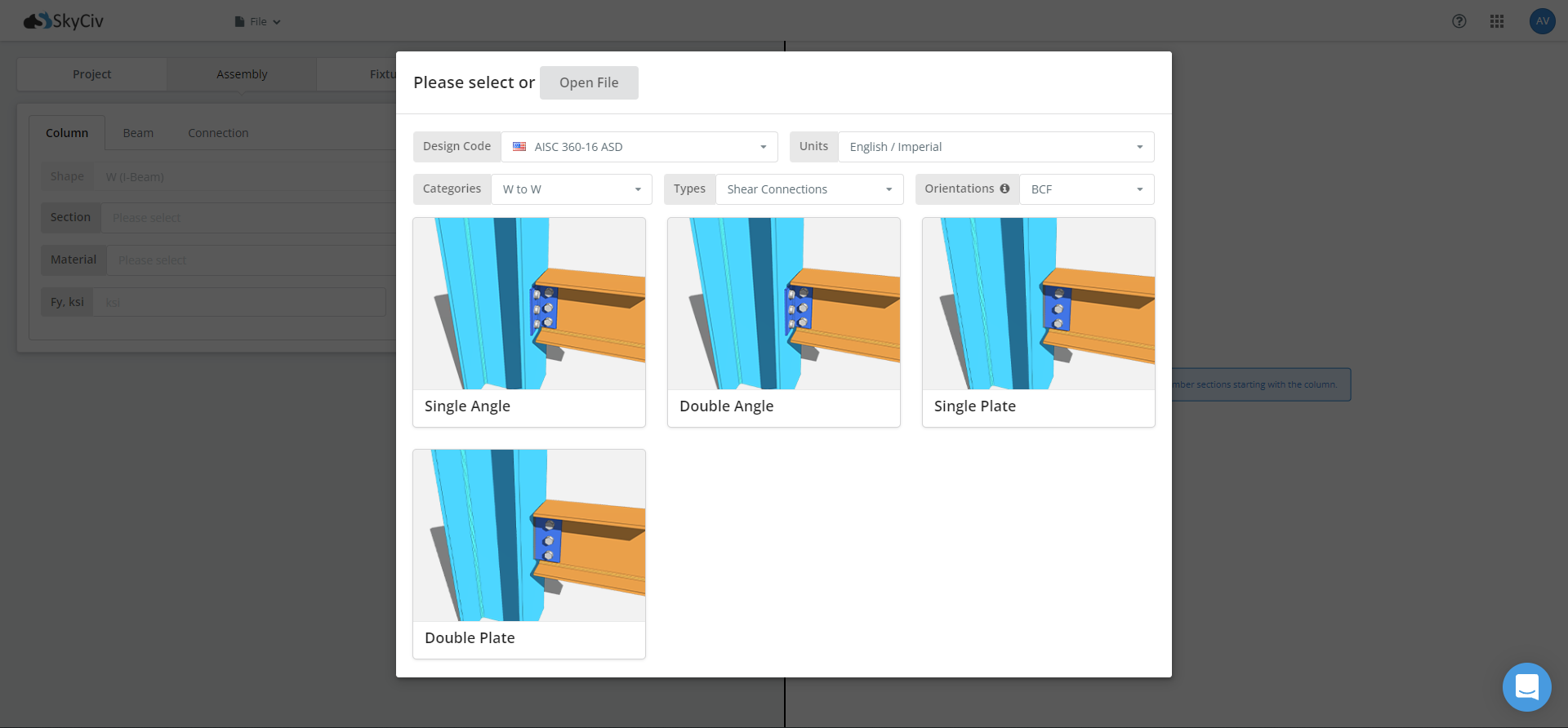
ここに, 次の情報を提供する必要があります:
- デザインコード
- 単位
- カテゴリー
- タイプ
- オリエンテーション
- 接続
デザインコード
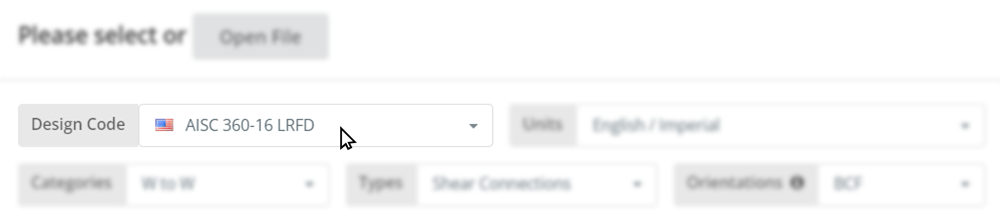
設計コードは、設計チェックを作成するための標準です。. 最初に選んでください, それはその後のすべてを駆動するからです: どのチェックが実行されるか, 安全率, 設計係数, また、どのカテゴリと接続タイプが提供されているか.
SkyCiv Connection Design がサポートする設計コードは次のとおりです。:
2 つのカバレッジは同等ではありません. AISC 360-16 以下のすべてのカテゴリと接続タイプをカバーします. なので 4100:2020 W から W へのフレームを構成するせん断接続をカバーします, そして他には何もありません, すぐに接続が必要な場合は, 中括弧, スプライスまたは HSS カラム, AISCを選択.
単位
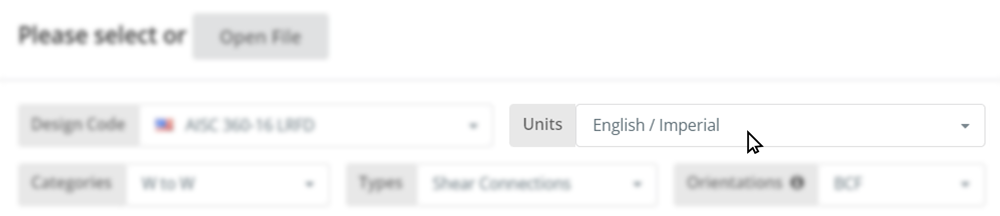
単位を混ぜると間違った答えが導き出されやすくなります, との間で手動で変換します インチ そして ミリメートル, または キップ そして kN, デザインに費やしたい時間を無駄にしている. したがって、モジュールは選択したシステムで動作し、同じシステムでレポートします。.
AISCのもとで 360-16 インペリアルまたはメートル法を選択できます. AS下 4100:2020 単位セレクターはメートル法に固定されています, したがって、オプションは表示されません.
カテゴリー
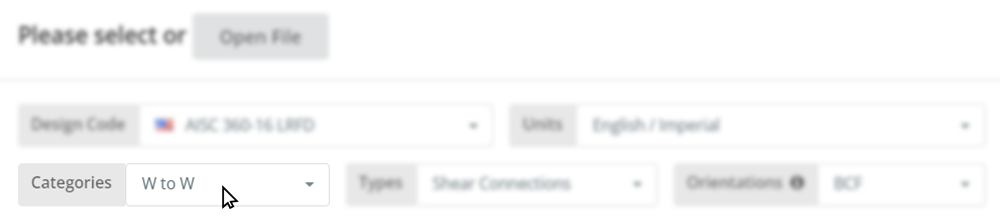
カテゴリは、何が何に接続されているかを説明します。: メンバーのフレームイン, そしてそれを組み立てるサポート. ワイドフランジ柱にワイドフランジ梁が入ります。 このWでは.
利用可能なカテゴリは次のとおりです:
- このWでは, ワイドフランジからワイドフランジへ, 梁から柱まで、および梁から梁までをカバー
- HSSからWへ, 中空断面柱を構成するワイドフランジビーム
- チャンネルからチャンネルへ
- ブレース
- スプライス
AS で利用できるカテゴリは W to W のみです 4100:2020. 残りはAISCです 360-16.
タイプ
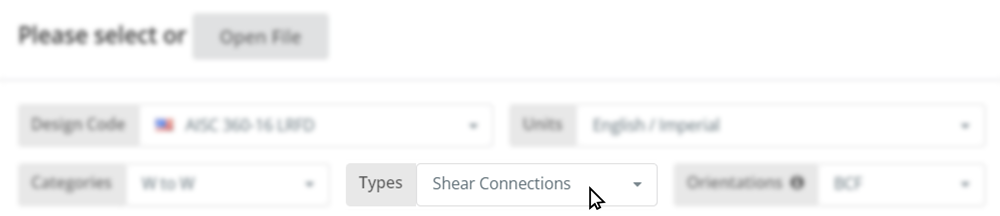
このタイプは、接続が耐えられるように構築された負荷に基づいて接続をグループ化します。. すべてのせん断接続が一緒に配置されます, 別のセットのすべての瞬間の接続, 等々. 各タイプの内容はこちら:
| タイプ | アキシャル | 剪断 | 瞬間 |
| せん断接続 | バツ | ✅ | バツ |
| 剪断 + 軸方向の接続 | ✅ | ✅ | バツ |
| モーメント接続 | ✅ | ✅ | ✅ |
| ブレース接続 | ✅ | バツ | バツ |
| スプライス接続 | ✅ | ✅ | ✅ |
ブレース接続カバー 垂直, シェブロン, 膝, 水平ブレースとトラスブレース. スプライスカバー 柱のスプライス そして ビームスプライス.
AS下 4100:2020, 提供されるタイプはシアーのみです.
オリエンテーション
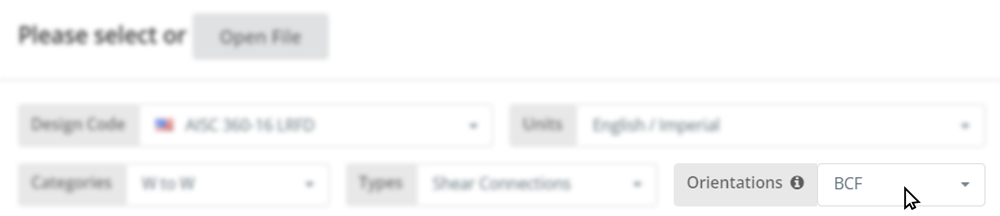
設計チェックは梁や接続コンポーネントにとどまりません. サポートメンバーも大事, そしてそのメンバーのどこに着地するかによって答えが変わります. 柱フランジにフレームを組み込むと、ウェブにフレームを組み込む場合とは異なる荷重経路に荷重が配置されます。, およびサポートの局所限界状態, ウェブの局所降伏や局所的なフランジ曲げなど, しばしば統治する.
利用可能な方向は次のとおりです。:
- 梁から柱へのフランジ
- 梁から柱へのウェブ
- ビームツービーム, 支持梁のウェブにフレームを組み込む
- HSSカラムへのビーム, 広い顔にも狭い顔にも
これらのどれが表示されるかは、選択したカテゴリとタイプによって異なります. 一瞬のつながり, 例えば, 柱フランジと柱ウェブには提供されますが、梁と梁には提供されません.
接続
上記の情報を入力したら、, ポップアップ フィルター内のカードから、その組み合わせで利用可能な接続までが表示されます. 各カードにはサンプル画像が含まれているため、実際に接続する前に、想定していた接続を確認できるようになります。. 必要なものをクリックするとモデルが開きます, セクションとロードの準備ができています.
どの構成がジョブに適しているかわからない場合, の サポートされている接続タイプのリスト すべてのオプションをコードとカテゴリ別に設定します, そしてその 接続設計のガイド ここからのワークフローについて説明します.
今すぐ試してください
スターター画面が表示されるまでに約 30 秒かかります, アカウントなしでも実行できます. コードを選択してください, カテゴリとタイプ, 接続を選択してください, どのチェックが実行されるかを確認します.
無料アカウントにサインアップ
無料アカウントを使用すると、接続ファイルを保存および再ロードできます, 無料ツールではできないこと. また、SkyCiv の残りの部分にもアクセスできます。 構造ソフトウェア, 構造3Dを含む.
接続設計スタンドアロン
接続設計モジュールのみを使用したい? スタンドアロン価格については、下のボタンをクリックしてください.

