
A knee brace is a short diagonal member running between a column and a beam or girder, close to the joint. It shortens the effective span of the beam and stiffens the frame against lateral drift, without the full-height diagonal that a vertical brace needs. The brace force arrives at the joint as axial load, and a gusset plate takes it into the column or girder.
SkyCiv Connection Design checks the knee brace connection to AISC 360-16 nell'ASD o LRFD. You enter the supporting member, the brace, the gusset plate and the fixtures, and it returns every check with its utilization ratio and the clause behind it.
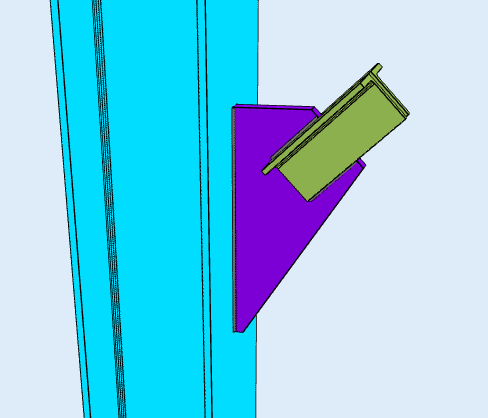
Why Use a Knee Brace
A knee brace buys stiffness cheaply. It uses less steel than a full diagonal and it is quick to erect, because it is a short member with one connection at each end. Because it sits in the corner of the bay rather than across it, it leaves the opening largely clear, which matters where a full-height brace would block a door, a window or a services run.
It is also a practical retrofit. Adding a knee brace to an existing frame means working at one joint rather than rebuilding a bay, so it is a common way to stiffen a structure that has been reassessed or reloaded.
The trade-off is that the brace attracts moment into the beam and the column at the brace point. The members either side of the connection have to be checked for that, which is a frame analysis question rather than a connection one.
Designing a Knee Brace Connection in SkyCiv
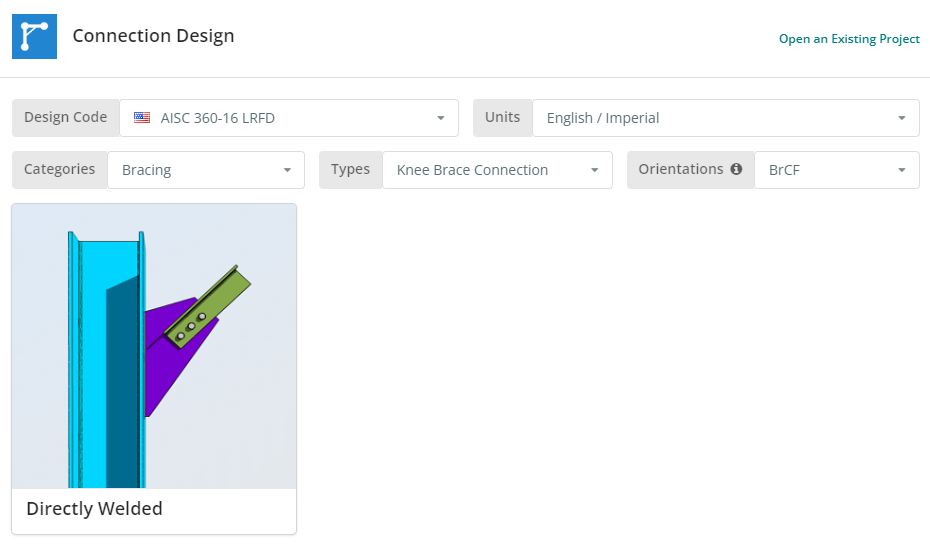
Il codice di progettazione può essere AISC 360-16 ASD o LRFD, e unità inglesi/imperiali o SI/metriche. The knee brace is available framing to a column flange, a column web or a girder flange. Clicca il “Piastra del fazzoletto saldata direttamente” piastrella.
Scheda Dettagli
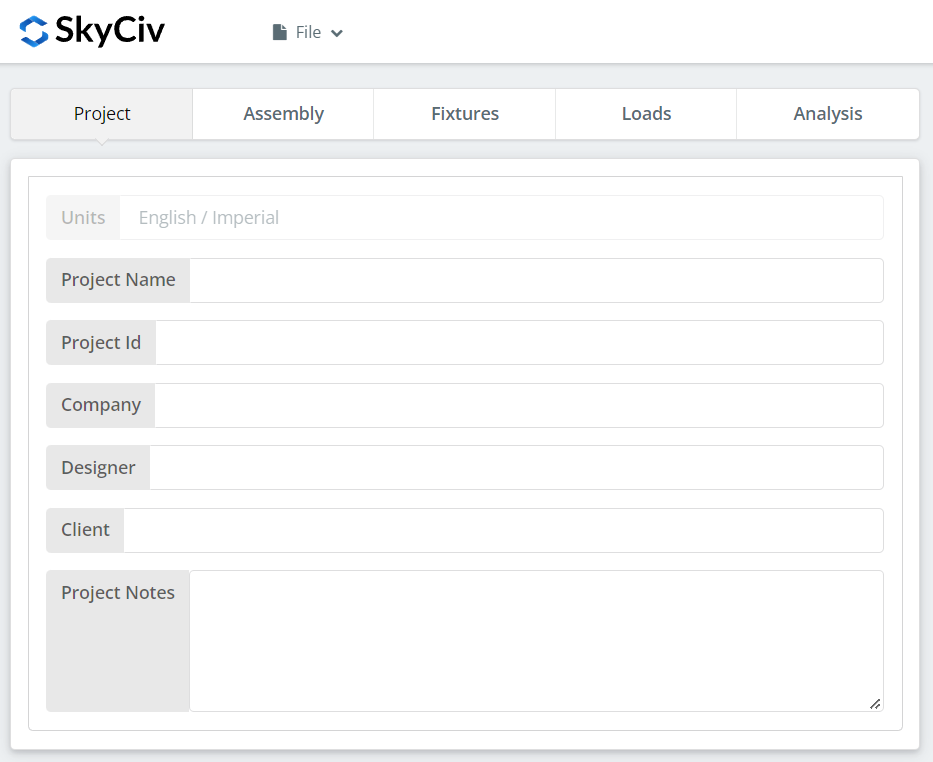
Registra qui i dettagli del progetto. Niente di tutto ciò cambia i calcoli, ma riporta nel rapporto.
Scheda assemblaggio
Tre schede si trovano sotto Assemblaggio: the Column or Girder, the Brace, e la connessione, which holds the gusset plate.
Scheda colonna o trave
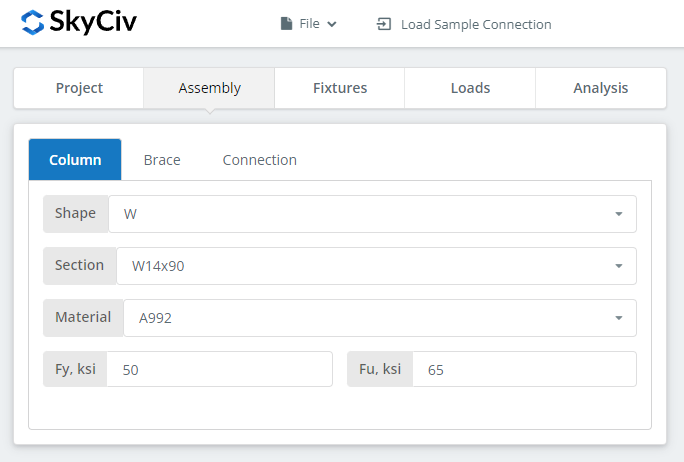
Specificare la sezione e la qualità del materiale dell'elemento di supporto, whichever the brace frames into.
Scheda Brace
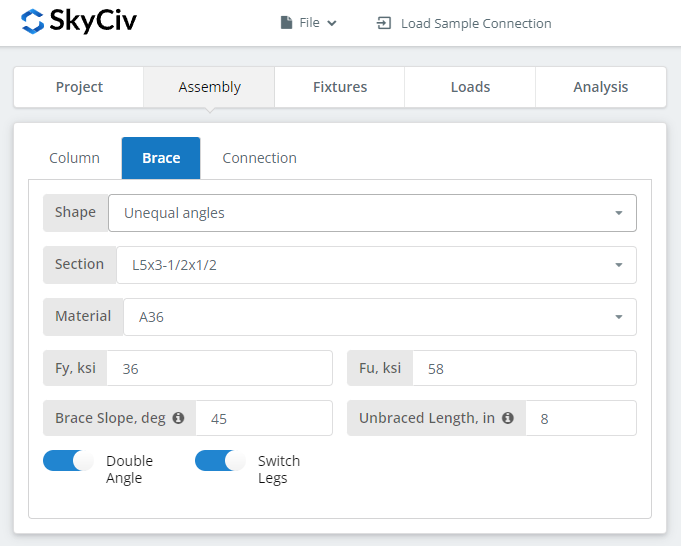
The brace can be a single angle, a double angle, a square or rectangular HSS, or a WT section. The shape drives how the brace attaches to the gusset: an angle connects through one leg, which puts the load off the brace centreline, while an HSS is usually slotted over the plate and welded on both faces.
Scheda Connessione
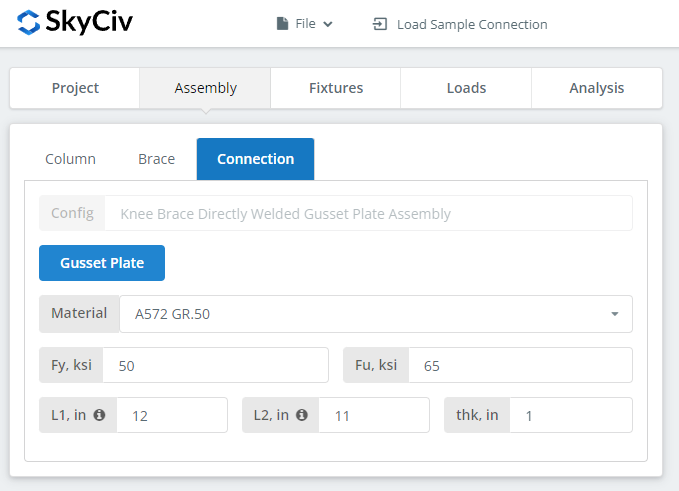
Set the gusset plate properties here. The plate has to be large enough for the weld or bolt group at the brace end and still fit against the supporting member, so watch the 3D renderer as you size it.
Scheda Infissi
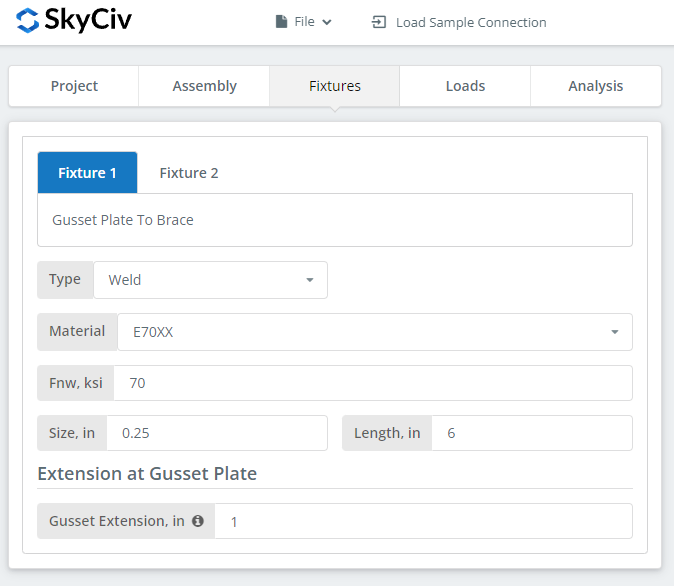
Two interfaces are set here: gusset plate to brace, and gusset plate to the column or girder support. Each can be bolted or welded.
Where the connection is bolted, the bolt grades are A307, A325, A490 o personalizzato. A325 e A490 sono gradi all'interno di ASTM F3125, che ha consolidato le vecchie specifiche autonome. Where it is welded, specificare il materiale di saldatura, o "Personalizzato".’ with your own Fnw, and the weld size.
Per ulteriori informazioni sul lato degli elementi di fissaggio, vedere la documentazione su bulloni e saldature.
Scheda Carichi
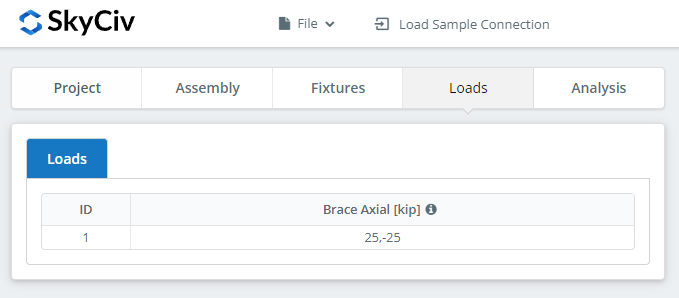
Enter the brace loads here. Hover the tooltips for the sign convention and direction of each.
Match the loads to the design method you picked at the start. LRFD prende in considerazione i carichi fattorizzati rispetto alla resistenza di progetto; L'ASD sopporta i carichi di servizio rispetto alla resistenza ammissibile. Il software non è in grado di riconoscere cosa hai digitato.
Scheda Risultati
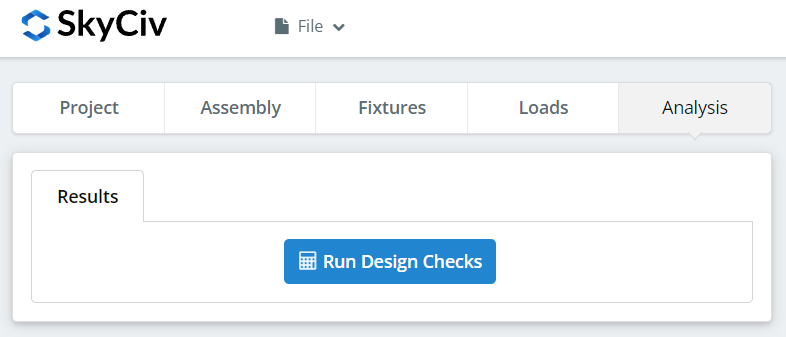
Clic “Esegui controlli di progettazione”. Tutto ciò che manca nelle schede precedenti viene contrassegnato qui anziché essere impostato automaticamente come predefinito.
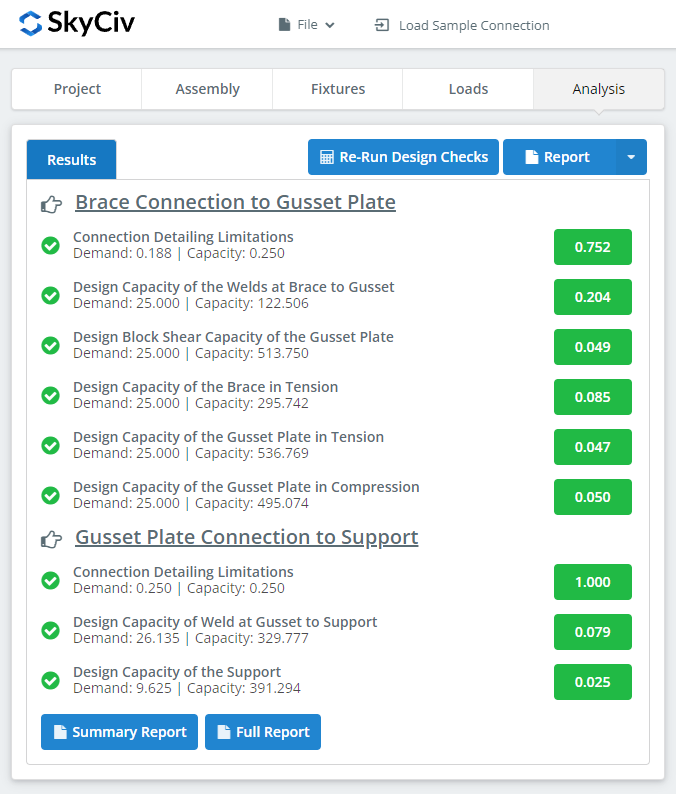
Il riepilogo mostra se la connessione è riuscita, con un rapporto di utilizzo rispetto a ciascun controllo. Se ha fallito, modificare gli input nelle schede precedenti e fare clic “Rieseguire i controlli di progettazione”. Quando passa, passa il mouse sopra “rapporto” and pick “Relazione di sintesi” o “Rapporto completo”.
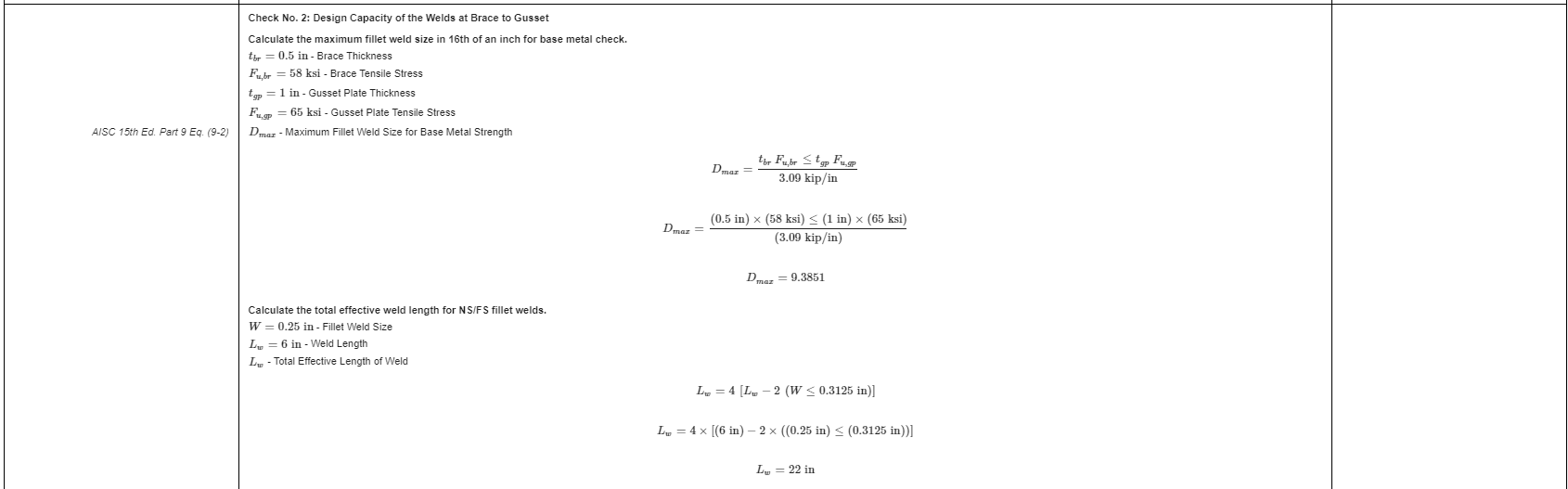
That is an extract from the full report. Ogni controllo riporta il riferimento al manuale o alla specifica AISC, e la lavorazione segue l'ordine utilizzato dalle specifiche, in questo modo un tecnico revisore può leggerlo riga per riga invece di eseguire il reverse engineering di un numero.
QuiÈ una copia PDF della relazione di calcolo dettagliata completa.
Provalo tu stesso
Pick the knee brace, enter your brace, gusset and loads, e vedere ogni controllo con il relativo riferimento al codice. Funziona nel browser, senza niente da installare.
Vedi anche il knee brace connection calculator, che per il chevron brace e rinforzo verticale calculators for the other bracing configurations.
