Getting started with SkyCiv RC Design, powerful and easy-to-use reinforced concrete design software
Cómo empezar
This page explains how to access SkyCiv software de diseño de hormigón armado and introduces its beam and column design tools. Para empezar, you need a Cuenta SkyCiv Free, which gives you access to the software with some limitations. A SkyCiv Professional account gives you access to all the functionality of the entire platform. The software runs entirely in your web browser, entonces no hay nada para descargar, instalar o mantener: sign up for an account and get instant access.
Software de diseño concreto
Diseño de vigas y columnas según ACI, AS, EN, CSA, y BS
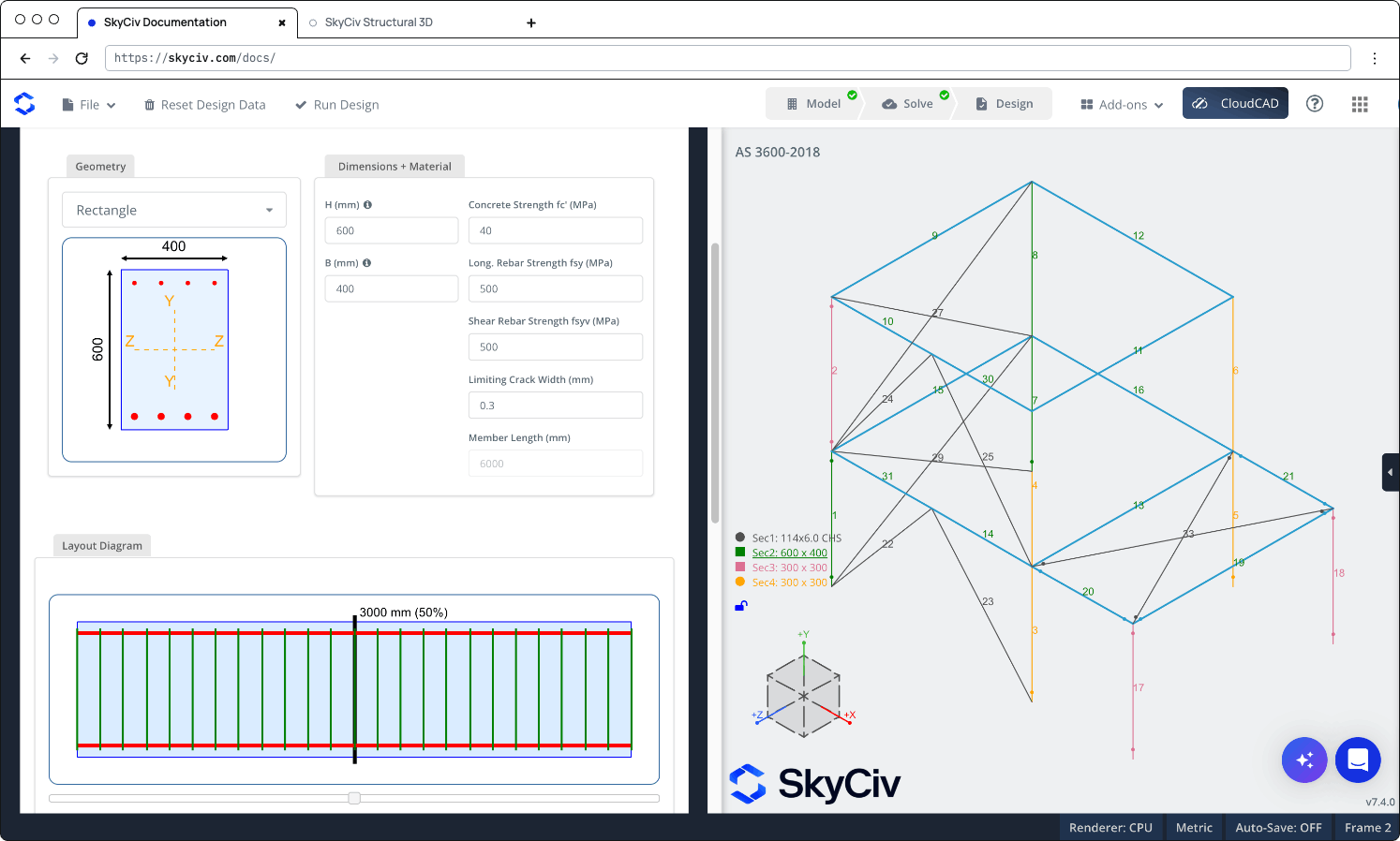
The beam and column design software is available as a standalone tool or integrated with SkyCiv’s analysis software (SkyCiv Beam y SkyCiv Structural 3D). All three are available on the SkyCiv platform once you register for an account. The beam and column design software currently supports the following design codes:
- ACI 318-19
- Eurocódigo 2
- AS 3600-2018
- CSA A23.3-14
- BS 8110-1997
The software is offered in three versions:
- Ser único: sin software de análisis, you enter the design forces manually.
- SkyCiv Beam: beam analysis software with reinforced concrete member design.
- SkyCiv Structural 3D: powerful 3D structural analysis software with reinforced concrete member design.