
CSA S16 Canadian Design Software
CSA S16 Canadian Design Software
SkyCiv supports Canadian structural steel design to CSA S16-24 – Design of Steel Structures, with dedicated tools for steel member, plate, bolt group and weld capacity design. SkyCiv’s Canadian design tools support standalone Quick Design workflows alongside integrated analysis and member design workflows with SkyCiv Structural 3D.
Design steel members and components using current Canadian design requirements, review capacity and utilisation results, and generate detailed design calculations directly within SkyCiv.
- Steel Member Design to CSA S16-14
- Steel Plate Design to CSA S16-24
- Bolt Group Capacity checks to CSA S16-24
- Blodgett Weld Capacity checks to CSA S16-24
- Bending, shear, axial and combined capacity checks
- Capacity and utilisation results for steel design
- Detailed calculation reporting
- Integrated analysis and member design workflows with SkyCiv Structural 3D
WHY ENGINEERS SWITCH
Structural analysis software that runs the full workflow
Easy and powerful FEA analysis
Run linear, non-linear, buckling and dynamic analysis within a single solver. No separate modules for complex analysis types.
Integrated design checks
Steel, concrete, timber and cold-formed design modules run directly on your analysis results. No exporting, re-entry or version mismatches.
Detailed calculation reports
Every formula, design check and
reference is shown in full, so you can defend every number, not just the result.
Discover key features of SkyCiv Steel Structural Design
What Product title Offers
A full-featured online structural analysis software, including beams, plates and cables
CSA S16-24 Quick Design Tools
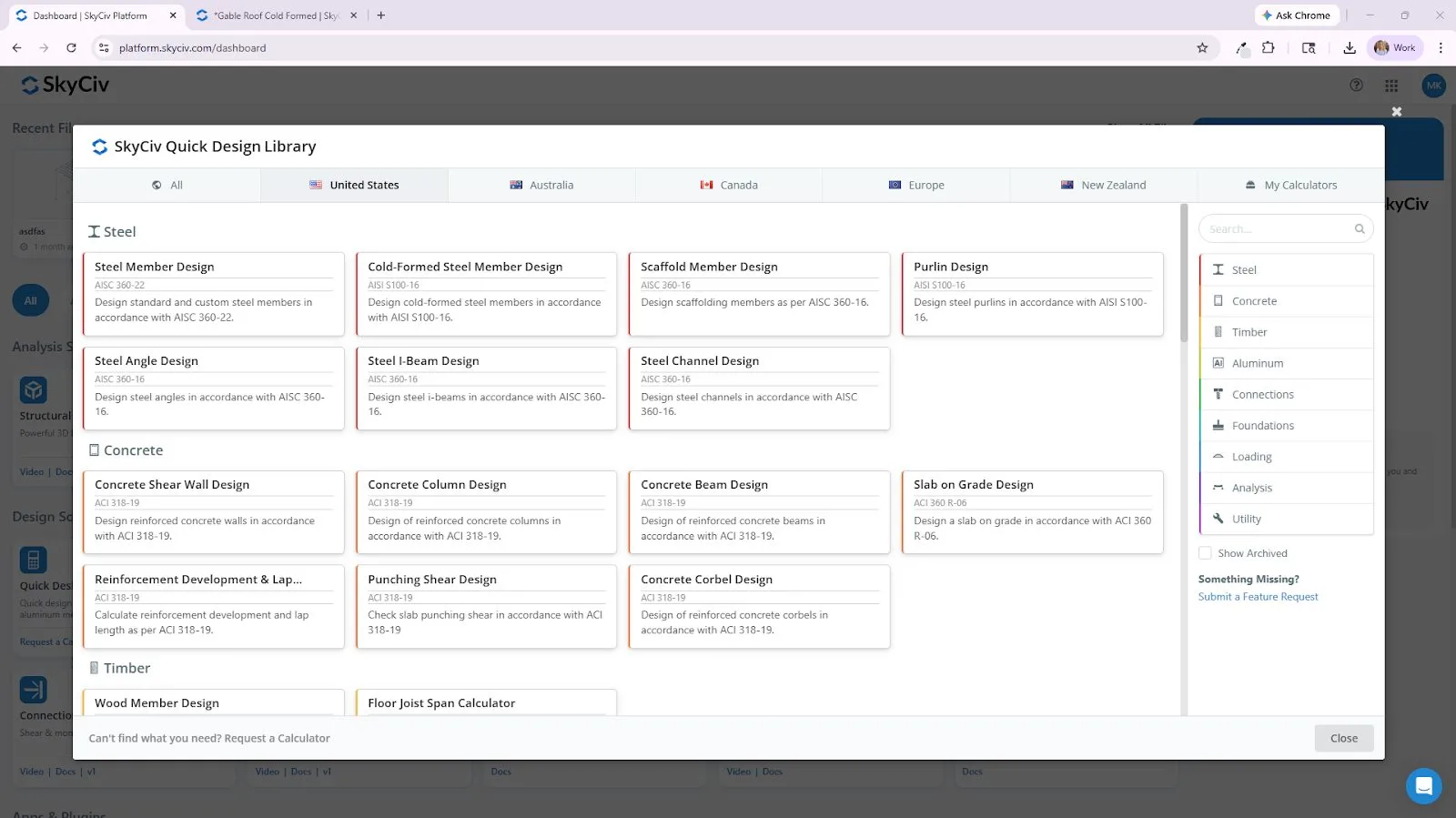
Access Canadian steel design tools directly from SkyCiv’s Quick Design Library. Design steel members and plates to CSA S16-24, with additional S16-24 tools for bolt group and weld capacity checks. Enter design inputs directly and review capacity and design results without building a complete structural model.
CSA S16 Design, Integrated with Structural 3D
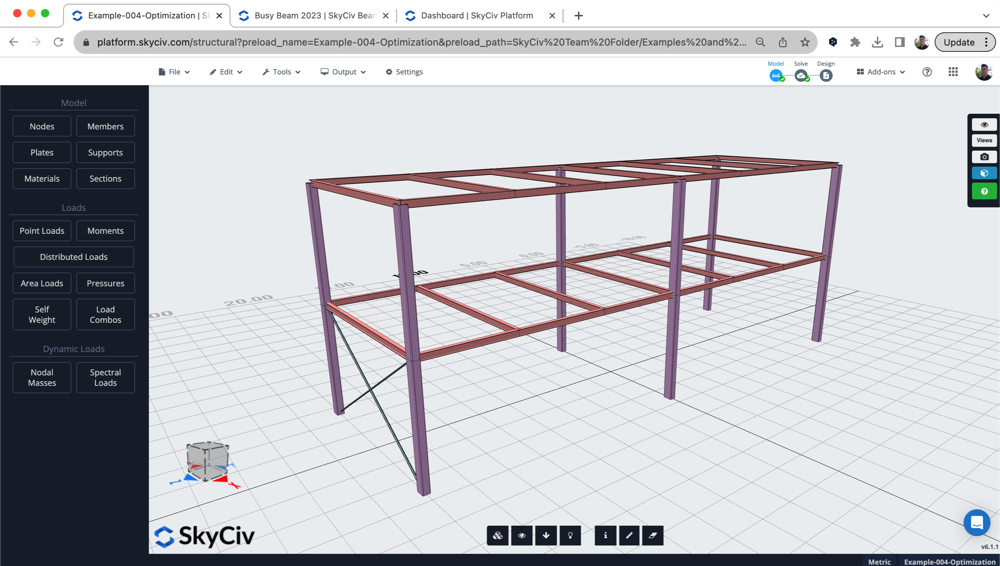
Model and analyse your structure in SkyCiv Structural 3D and use your analysis results directly within the steel member design workflow. Member properties, sections and design forces can be transferred from the structural model into Member Design, reducing manual data entry and creating an integrated analysis and Canadian steel design workflow.
Full Calculation Reporting
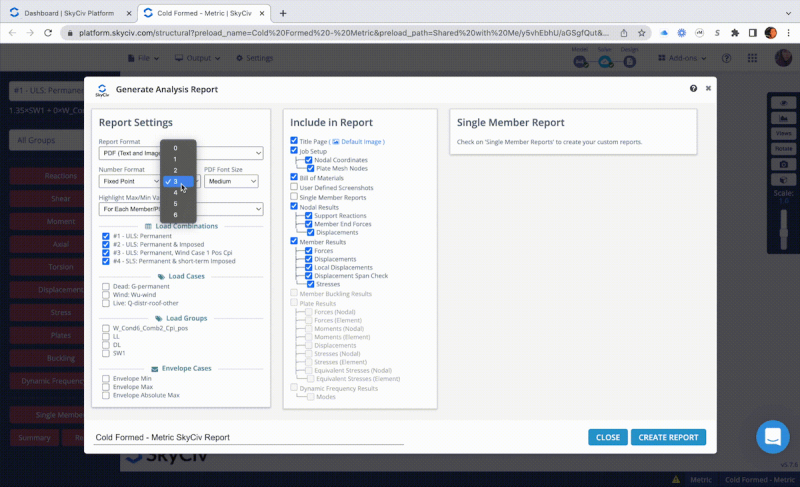
Review detailed calculation reports showing member capacities, governing checks, design inputs and utilisation results. SkyCiv provides transparent design calculations so engineers can review the checks, assumptions and design criteria behind their CSA S16 steel designs.
CSA Steel Design, Available Online
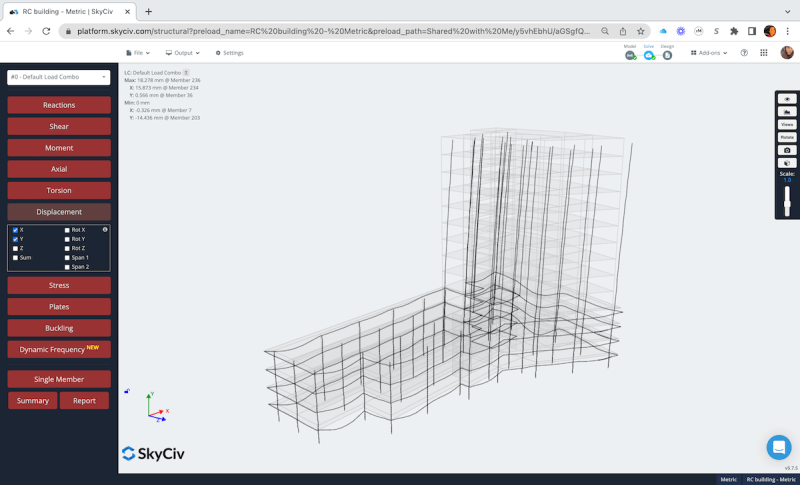
SkyCiv runs entirely in your web browser, giving you access to structural analysis and Canadian steel design tools without installing or maintaining desktop software. Access your projects from Mac or PC and work with the latest SkyCiv tools and design updates as they become available.
the skyciv difference
Make the Switch to SkyCiv
Everything your team needs to work faster,
from anywhere.
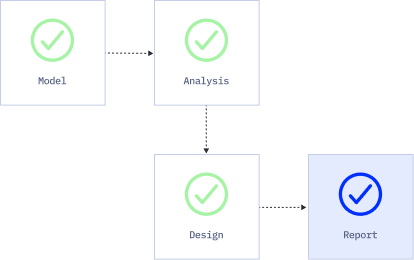
Import Files with Ease
Bring in your existing work without disruption. SkyCiv S3D supports a wide range of file formats, including DXF, IFC, and Revit, so your team can pick up right where it left off.
Skip the Installation
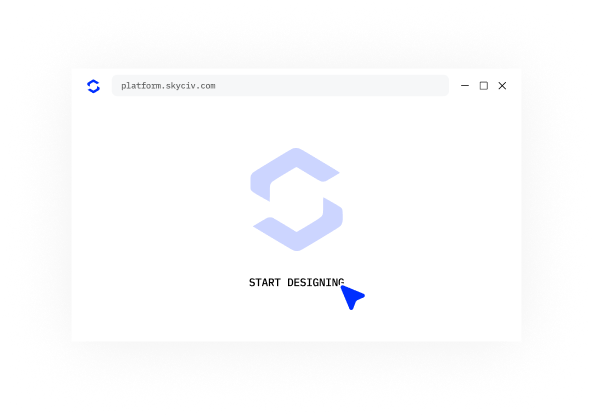
SkyCiv runs entirely in the cloud. No downloads, updates, or IT setups are required. Simply log in from any browser and start working instantly.
Engineering Support
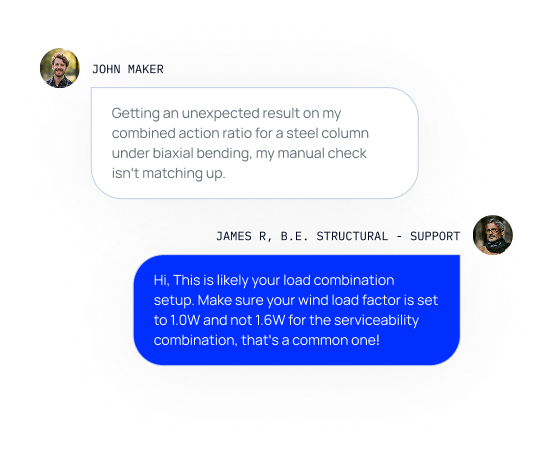
When issues arise, our qualified engineers will quickly help you resolve them, keeping your projects on track without delays or downtime.
Unlimited Storage
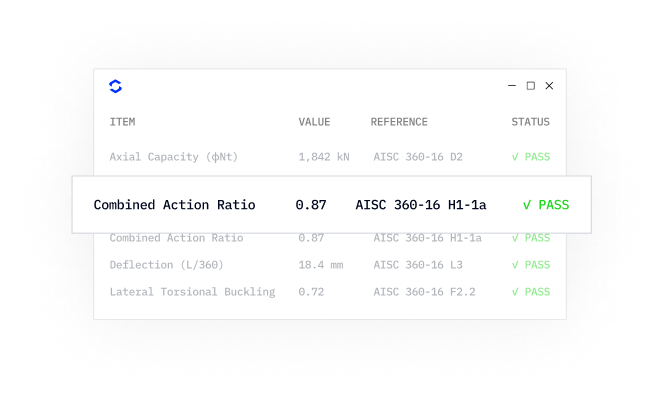
With unlimited cloud storage, your entire team can access and manage files from anywhere. It’s secure, centralized, and built for real-time collaboration.
testimonials
Trusted by thousands

The ease of use and the presentation of the results are both awesome. I have had ongoing interaction with the support team and everyone is excellent.

Mitch Frumkin
CEO OF KIPCON
It is used for various civil and mechanical engineering courses and the students love it. We are happy with the continuous updates to SkyCiv as well, highly recommended.

Dr Kenneth R. Leitch
Assoc. Prof. at Texas A&M
It was easily the most intuitive package available to learn; it is particularly easy to build the 3D model and define nodes, members, supports, materials, sections, then apply loads & combinations.

Stuart Agars
Managing Director of Struct-Sure Limited
SkyCiv has been a great tool to help efficiently and clearly document and update design results for a member of a small company with multiple responsibilities.

Lydia Fahrenkrug
Engineer at MT Solar
case studies
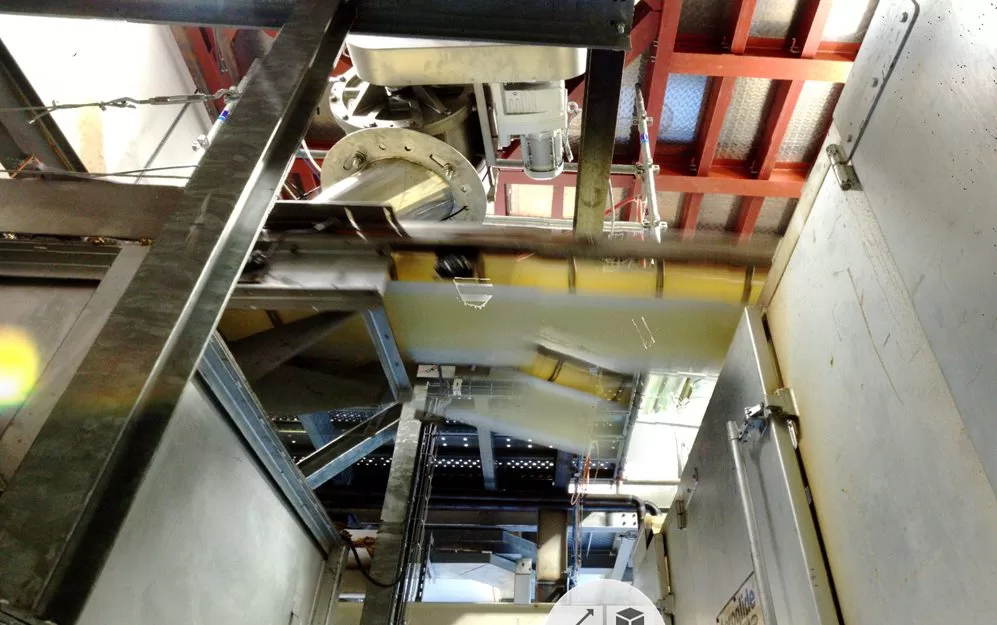
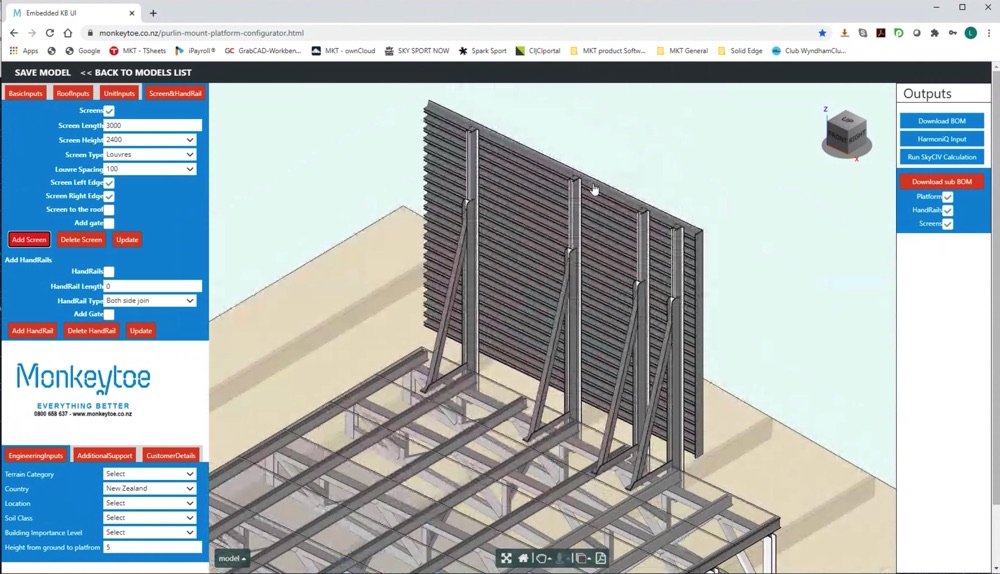
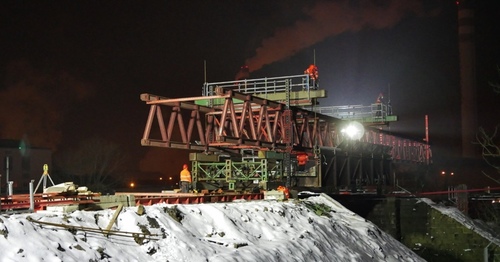
Real projects using SkyCiv
PRICING
Access SkyCiv Professional
Flexible plans for every team size.
No lock-in contracts, cancel anytime.

