
DESIGN AUTOMATION
Full design automation, using AI and API technology
Build end-to-end solutions using APIs for modelling, wind loads, member design, drawings and foundations and much more…
END-TO-END DESIGN AUTOMATION
PUBLIC SET OF AI-SKILLS
RELIABLE, DETERMINISTIC DESIGN
GeT STARTED IN MINUTES
BUILT-IN AI modelling
Built by engineers. Trusted globally.


API & AI Automation
Faster designs, built on reliable structural engineering calculations.
Capabilities for modelling and analysing simple to complex structures.
SkyCiv API Capabilities Overview
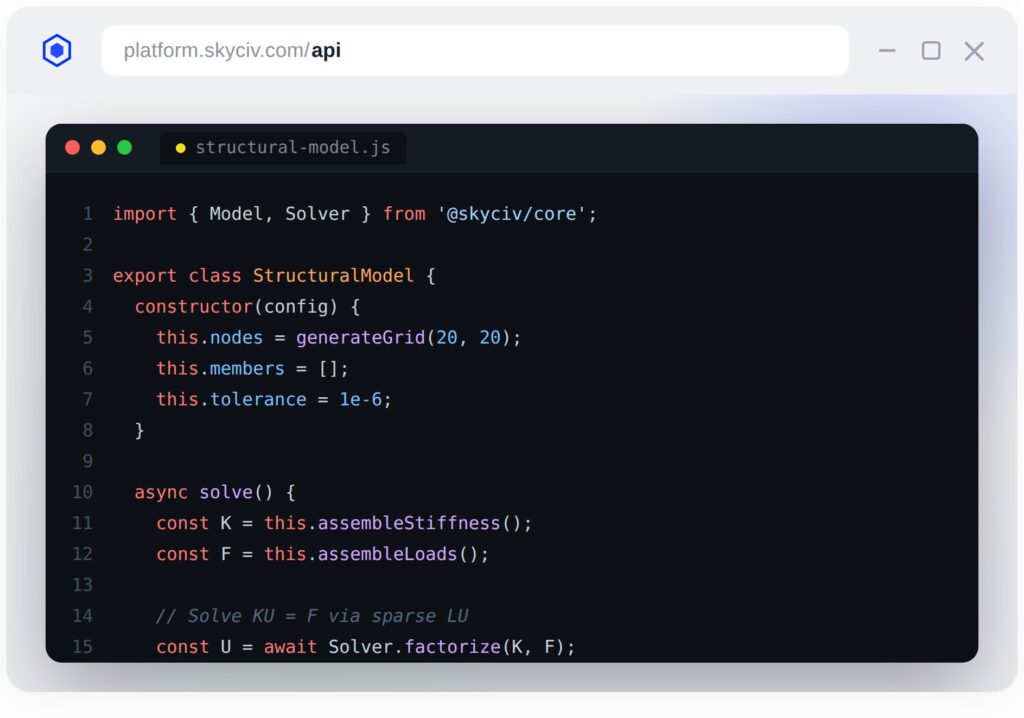
Generate and solve structural analysis models.
Linear, non-linear, plates, buckling, cable analysis and much more..
Generate wind and seismic loads automatically based on regional codes.
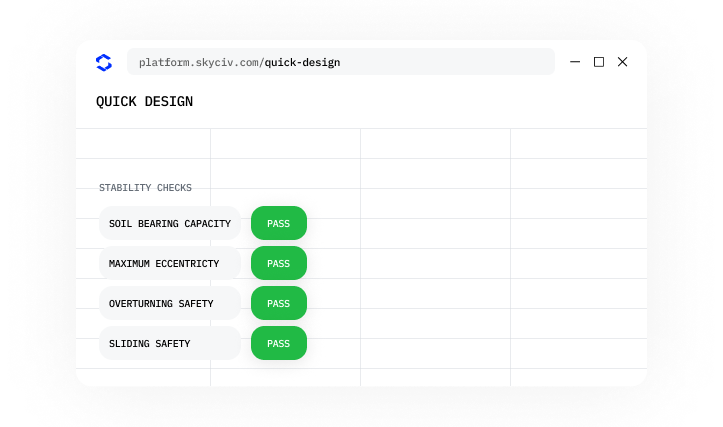
Run automated design checks
Generate automated CAD drawings.
Export detailed and automated engineering drawings using CloudCAD
- Import structures from Revit, Grasshopper, DXF, IFC and more.
Build faster, with our public AI Skillset
We’ve released a public set of AI Skills which train your AI agents and LLMs on exactly how to run our structural design calculations. Use AI to build, but accurate, deterministic software to calculate.
Train your LLMs instantly on:
Structural Analysis API: build analysis models, run FEA, and interpret results
Structural Design API: connect to 100+ validated steel, timber, concrete and other design calculators
Load Generator API: calculate accurate wind and snow pressures
CloudCAD API: generate CAD files automatically.
Renderer: use a built in renderer to display your models in real-time
- Section Selector: train your LLM on how to select and lookup an appropriate section from our database of over 25,000 sections
Advanced structural analysis
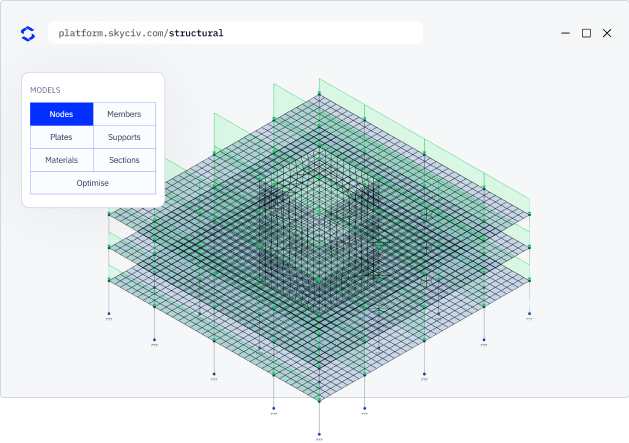
- Analyze beams, plates, rigid elements and cables.
Support for linear, p-delta (non-linear), buckling analysis, cable analysis, plates, frequency and response spectrum analysis.
Generate wind and seismic loads automatically based on regional codes.
Automatically generate load combinations from US, UK, EU, CAN and AUS libraries.
Identify and fix common model issues using smart repair tools.
- Export steel and concrete models into detailed and automated engineering Drawings.
- Import structures from Revit, Grasshopper, DXF, IFC and more.
Automated drawings
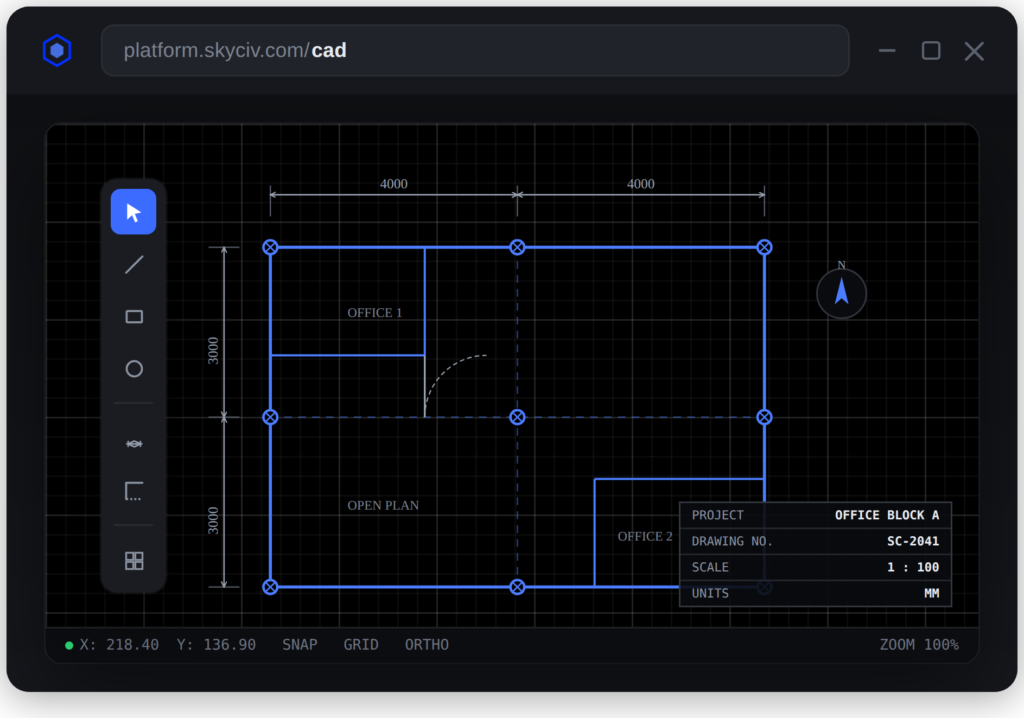
Once the design is complete, the API can generate automated drawings
Use all the key features of CloudCAD including title blocks, page sizes
Export directly to PDF via the API
AI Skills are trained on our drawings
Save time on documentation, with automated drawings
AI Assistant – Structural 3D & CAD
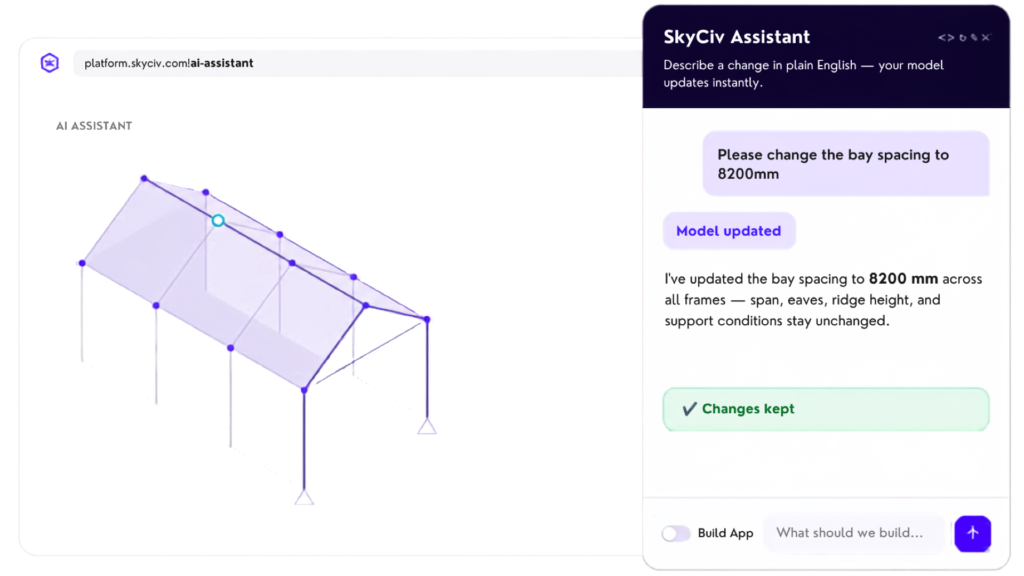
Use AI to make accurate and transparent changes to your analysis models
Review changes before approving
Learn how to use the software quickly using our AI Customer Support – built on over 70,000+ real conversations
Build your own custom applications using AI prompts
Also built onto CloudCAD for easy drawing changes
Built-in engineering knowledge and skill base
Upload images, texts and other documents for added context
Built in safeguards and guardrails to protect your models and confirm vague prompts before building
API TRIAL
Ready to start building?
Sign up to our API Trial and start building your own custom solutions today. Your trial will include gives you access to:
- 1,000 API Credits
- 1-on-1 support from our API Engineers
- 30-day access to the platform
- Access to the software for evaluation and testing
- Access our AI Skills for Structural Engineering
Real life projects with SkyCiv Automated Solutions
From bottleneck to design automation
Challenge
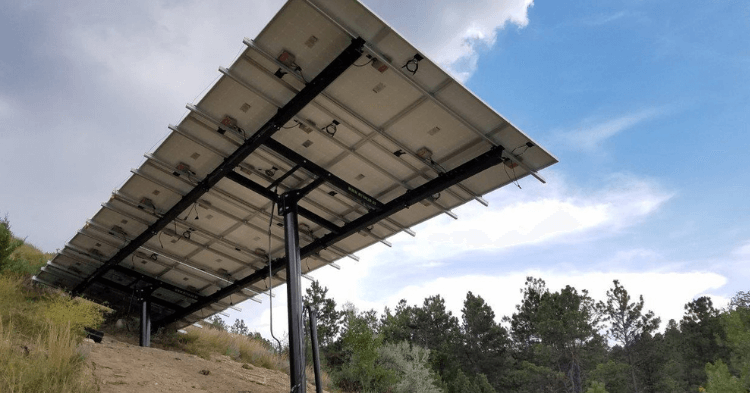
The solar industry moves fast, requiring quick design and turnarounds. To scale efficiently, MT Solar contacted SkyCiv to automate structural designs of their ground-mount structures to reduce costs and scale up their projects.
Solution
SkyCiv built a custom tool for MT Solar using APIs for (1) wind loading using ASCE 7-22 (2) FEA (3) hot-rolled AISC 360 steel designs and (4) IBC Foundation Designs, allowing them to input project details and quickly run calculations. The tool provides a simple UI to run client designs and also generates full design reports and completed drawings for manufacturing.
Result
MT Solar have been using their automated solution for over 5 years, saving hundreds of thousands in engineering fees and gaining many years in improved productivity and design speed.
“We are totally happy! SkyCiv’s help in the design and building process has always way exceeded our expectations.”
 Travis Jordan, President - MT Solar
the skyciv difference
Make the Switch to SkyCiv
Everything your team needs to work faster,
from anywhere.
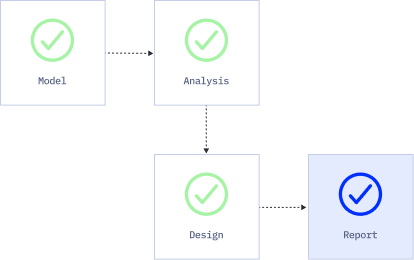
Work faster with integrated workflows
Your model integrates with more tools, saving you time and energy. Design faster, smarter and with less margin for error.
Skip the Installation
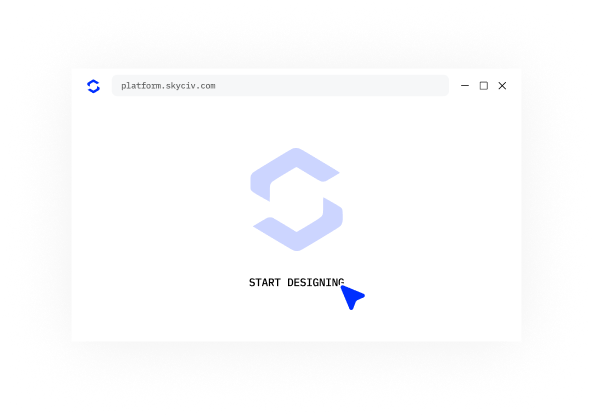
SkyCiv runs entirely in the cloud. No downloads, updates, or IT setups are required. Simply log in from any browser and start working instantly.
Engineering Support
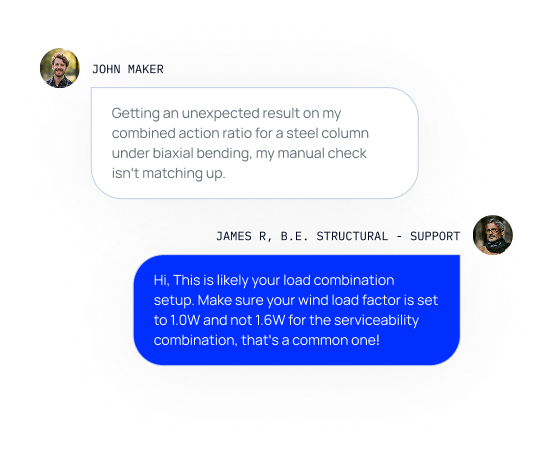
When issues arise, our qualified engineers will quickly help you resolve them, keeping your projects on track without delays or downtime.
Easy input, easy output
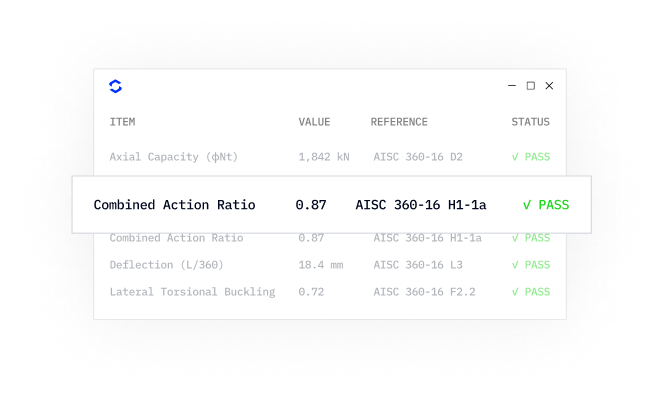
SkyCiv models take minutes to set up, and the results are all clearly labelled – accompanied with detailed design reports for full calculation transparency.
Powerful Integrations,
Zero Disruption
Get in Touch
Location
Unit 510, 55 Holt Street Surry Hills
NSW 2010 Australia

